FreshBrew
A macOS menu bar app for checking Homebrew updates, updating packages, and keeping track of the results.

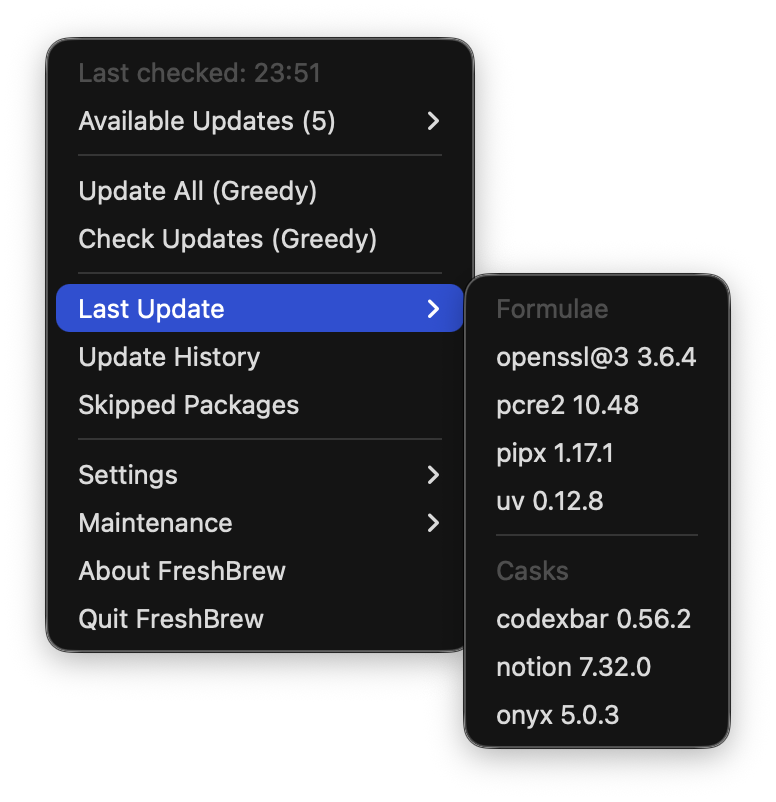
FreshBrew keeps routine Homebrew maintenance close at hand. It lives in the macOS menu bar, where you can check for outdated formulae and casks, choose what to update, and review the results without opening a terminal.
Why I Built It
I wanted a small tool focused on the maintenance I do regularly: checking for updates, deciding which packages to update, and knowing what actually succeeded. Homebrew handles the package operations; FreshBrew provides a native interface around that workflow.
Automatic checks can run after unlocking the Mac or at a chosen interval. Finding an update does not install it automatically: updating remains a separate action.
What It Does
- Update packages individually or as a batch from the menu bar.
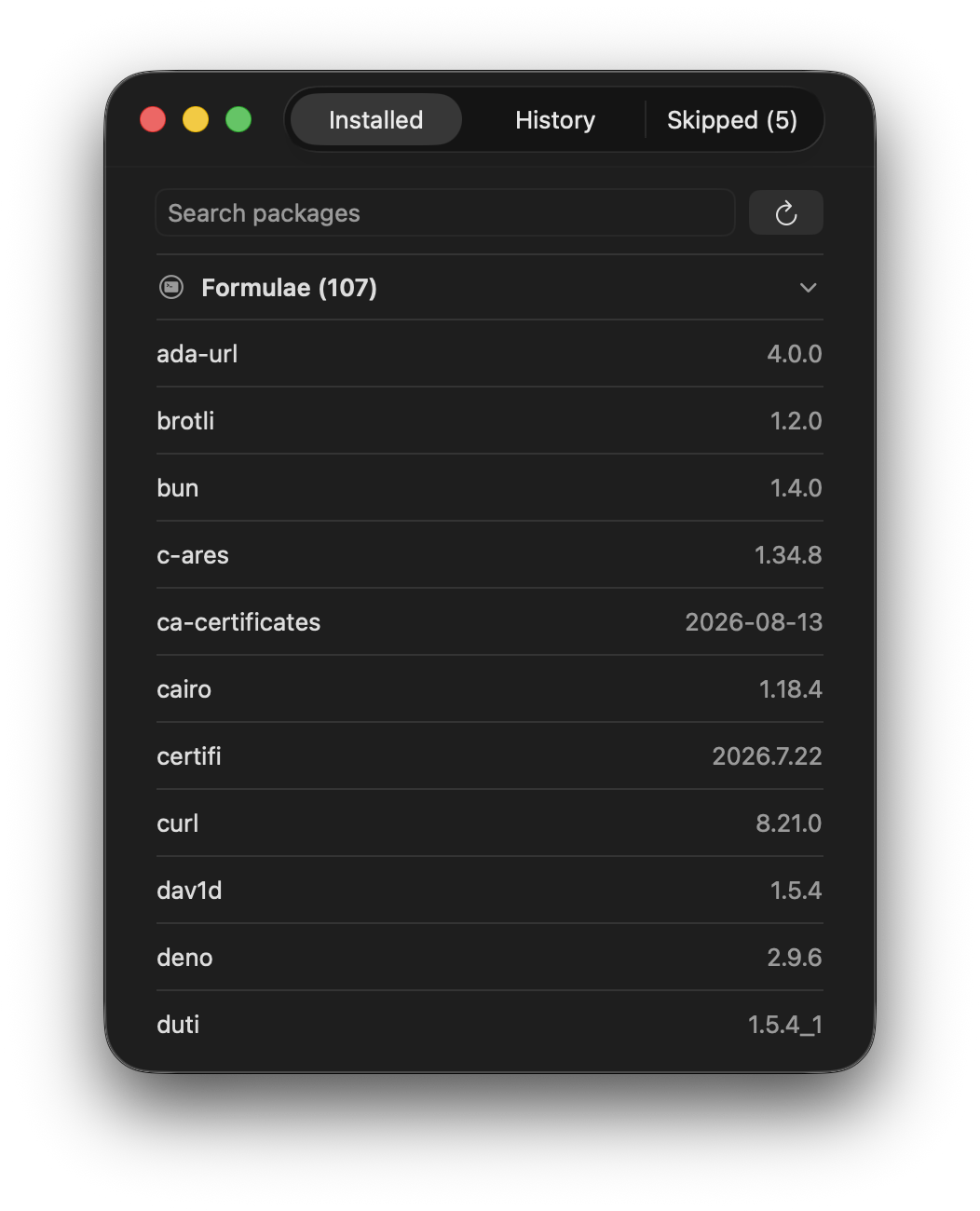
- Browse installed formulae and casks, search by name, and review their versions.
- Skip a package temporarily or exclude it from future updates.
- Keep update history, including successful updates when part of a batch fails.
- Show notifications and offer optional Homebrew cleanup.
Built With
FreshBrew is written in Swift and SwiftUI for macOS 14 and later, with support for Apple Silicon and Intel Macs. It uses the installed Homebrew command-line tools to check and update packages.
A large part of the work has been making the less obvious cases reliable: identifying packages from different taps, handling administrator prompts, verifying installed versions, and preserving useful results when an operation only partly succeeds.
Try It
With Homebrew already installed, run:
brew install --cask siannsin/tap/freshbrewYou can also download the app from GitHub Releases. The repository includes setup instructions and first-launch guidance for the current ad-hoc signed releases.
FreshBrew is open source under the MIT license. I continue to refine it through everyday use and feedback.